
Installation#
This guide will help you install and get started with LEAF (Lightweight Extensible Automation Framework).
Prerequisites#
Python 3.12 or later installed on your system. You can download it from the official Python website.
Pip, the Python package installer, which is included with Python installations.
It is advisable to create a virtual environment to manage dependencies. You can create one using the following command:
python -m venv leaf-env
Activate the virtual environment:
On Windows:
leaf-env\Scripts\activate
On macOS/Linux:
source leaf-env/bin/activate
Installing LEAF#
Once you have Python and pip set up, you can install LEAF using pip. Run the following command in your terminal or command prompt:
python -m pip install leaf-framework
Starting LEAF#
You can start LEAF with a graphical web interface by running:
leaf
or alternatively, you can use:
python -m leaf.start
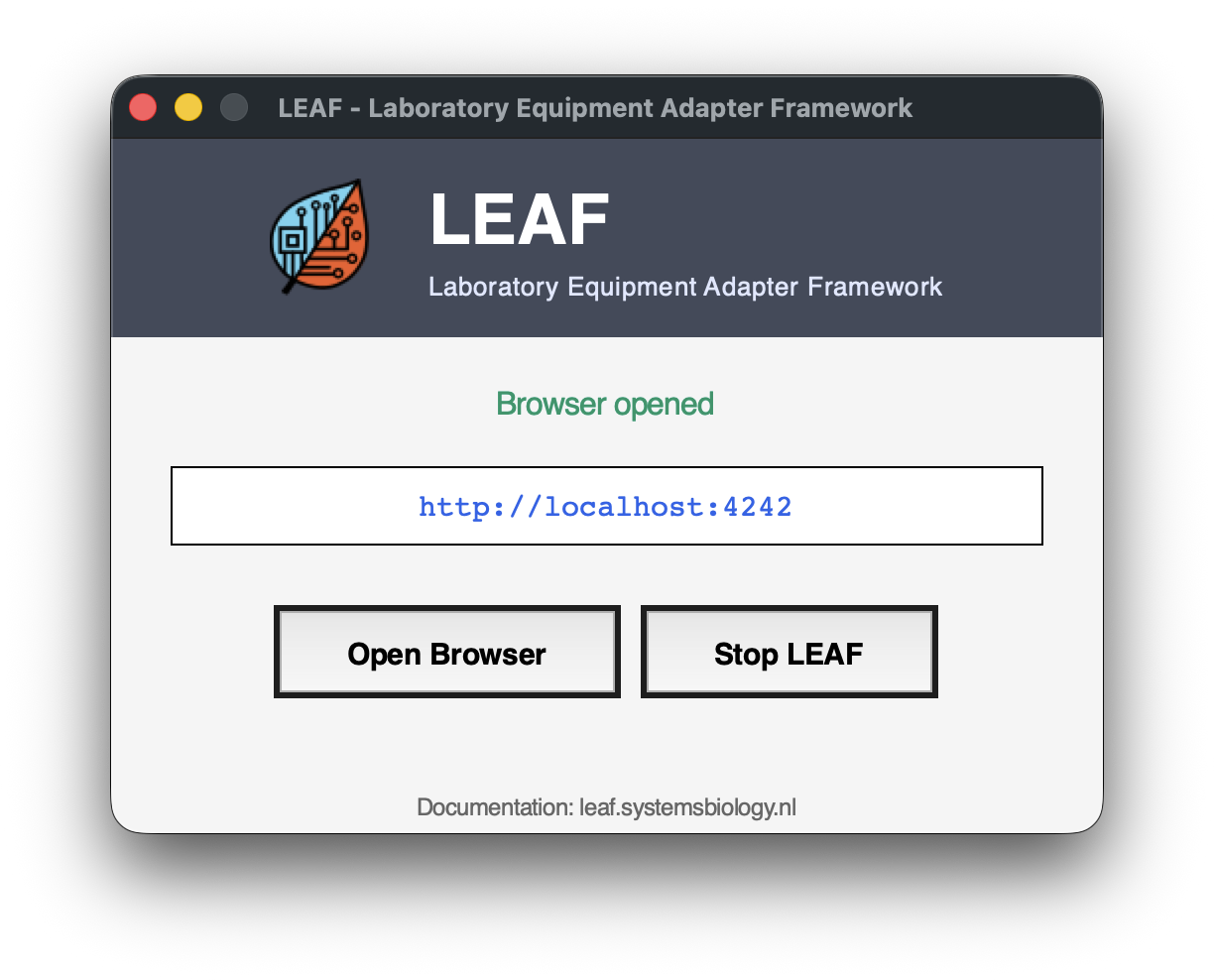
If you have TKinter installed, LEAF will automatically open a small window to manage the web interface. If TKinter is not installed, LEAF will start the web interface directly in your default web browser.
[
Accessing the LEAF Web Interface#
If you have started LEAF it should automatically open your default web browser to access the web interface. If it does not, you can manually navigate to http://localhost:4242 in your web browser or use the GUI launch window to open the interface.
In the terminal there is also a message stating: This NiceGUI ready to go on http://localhost:4242, http://172.28.36.57:4242, and http://192.168.1.26:4242 message indicates that the server is running and accessible from the browser.
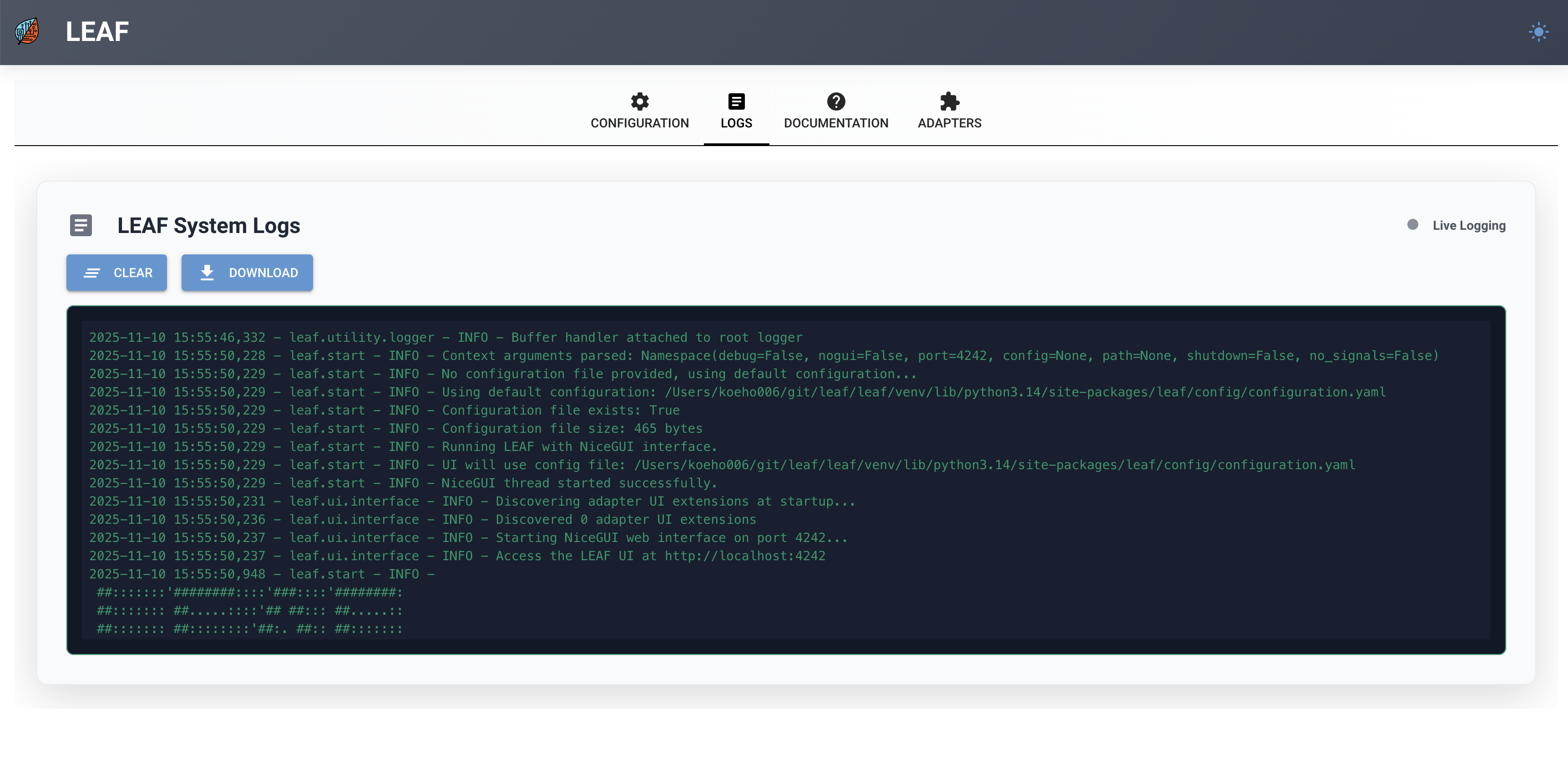
When opening the browser and navigating to the LEAF web interface, you will see the log output by default. This page provides information about what is happening within the system.