

API Tokens & REST API#
URL: /tokens
The LEAF Portal exposes a REST API that allows external scripts, notebooks, and third-party tools to query sensor data programmatically. Access is authenticated with personal API tokens.
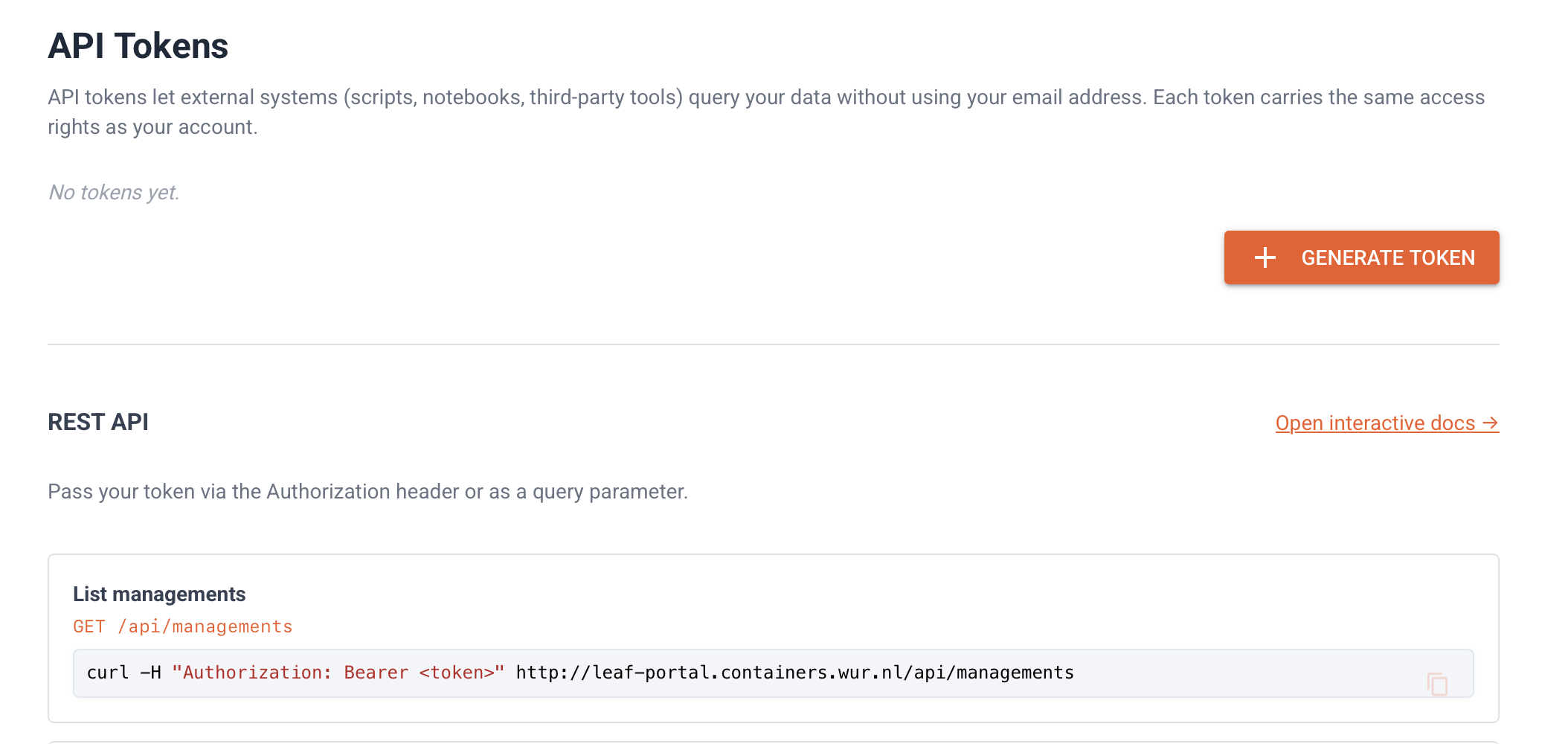
API Tokens#
Creating a token#
Navigate to API Tokens in the sidebar.
Click Generate token.
Enter a descriptive name (e.g.
grafana,notebook).Optionally set an expiry date.
Click Create and copy the token — it is only shown once.
Managing tokens#
Tokens can be revoked at any time by clicking the revoke button on the token row. Revoked tokens are immediately rejected by the API.
Using the API#
Pass the token in the Authorization header:
curl -H "Authorization: Bearer <token>" https://your-portal/api/managements
Or as a query parameter:
curl "https://your-portal/api/data/recent?token=<token>&limit=20"
Interactive API documentation (Swagger UI) is available at /api/docs.
Endpoints#
List access grants#
GET /api/managements
Returns the list of managements (access grants) the token owner has access to.
[
  {
    "id": "...",
    "organisation": "WUR",
    "department": "SSB",
    "entity": null,
    "time_start": null,
    "time_end": null
  }
]
Recent data#
GET /api/data/recent?limit=50
Returns the most recent sensor readings across all accessible departments.
Data by scope#
GET /api/data?organisation=WUR&department=SSB&metric=temperature&from=2024-01-01&limit=500
Query parameters#
Parameter |
Description |
|---|---|
|
Organisation name |
|
Department name |
|
Filter to a single entity (optional) |
|
Filter to a single metric (optional) |
|
Start time, inclusive — ISO 8601 (optional) |
|
End time, exclusive — ISO 8601 (optional) |
|
Max rows returned (default 1000, max 10000) |
Response format#
All data endpoints return a JSON array of objects:
[
  {
    "time": "2024-06-01T10:00:00Z",
    "entity": "R1",
    "metric": "temperature",
    "value": 22.4,
    "tags": {"unit": "celsius"}
  }
]
Example: Python notebook#
For a full interactive example using requests and pandas, see the API notebook.